|
Add-on Repository
2015/11/21 |
|
If you'd like to install SUSE Add-on products, Add repositories for them like follows.
For example on here, Add "Web and Scripting Module" repository. |
|
| [1] | Open YaST Control Center. |
| dlp:~ # |
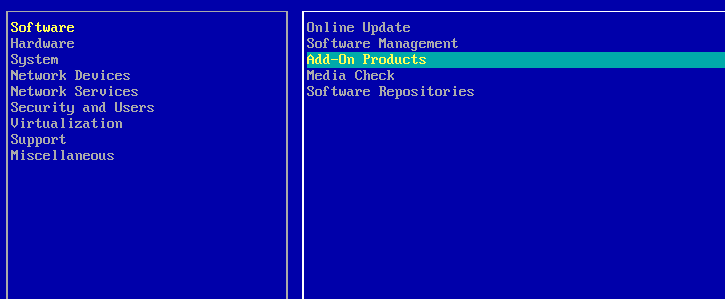
| [2] | Select [Software] - [Add-On Products] and Enter. |
|
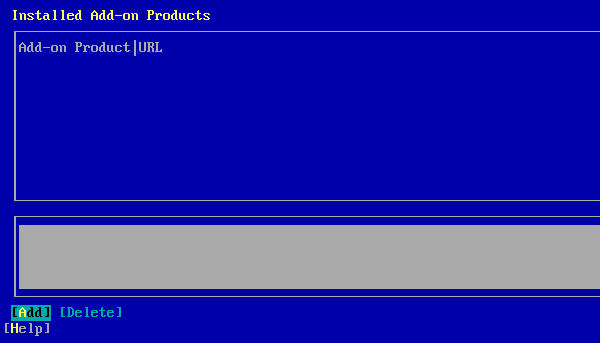
| [3] | Select [Add] button which is under-left and Enter. |
|
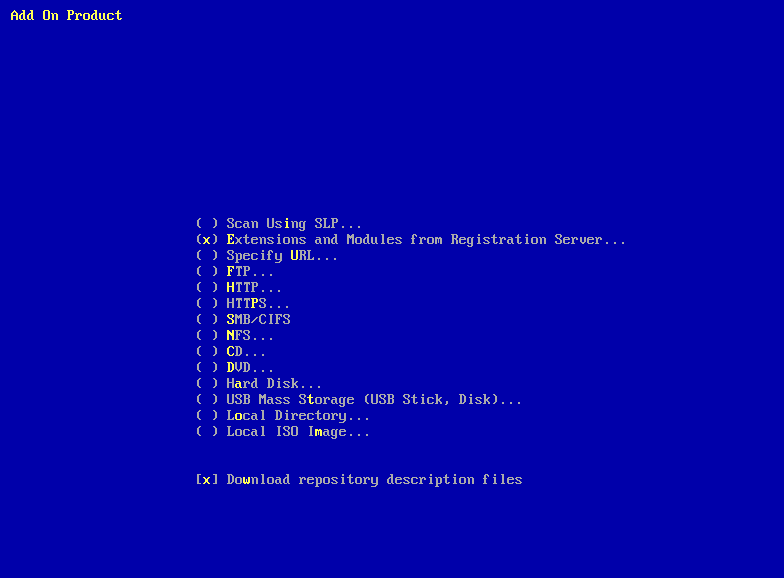
| [4] | select [Extensions and Modules ***] and proceed to next. |
|
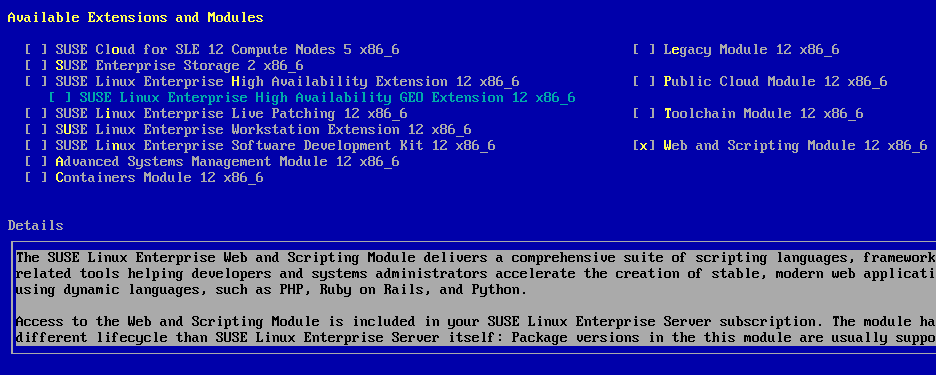
| [5] | Select [Web and Scripting Module] and proceed to next. |
|
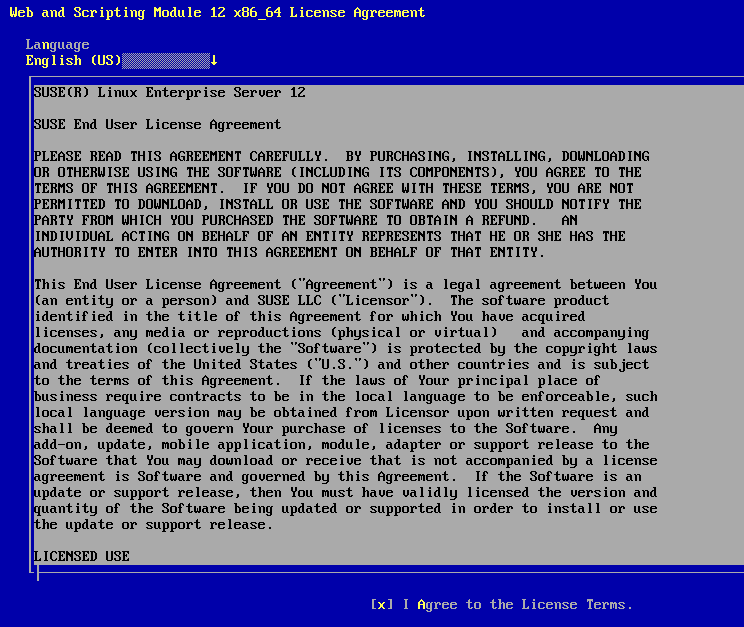
| [6] | Check a box [I Agree to the License Terms] and proceed to next. |
|
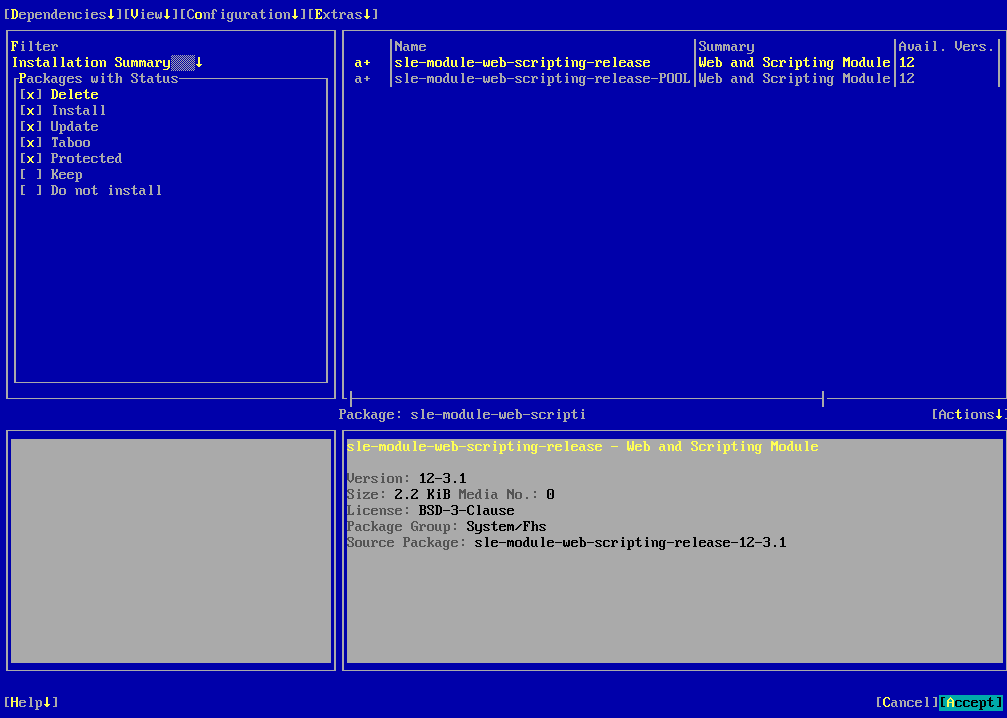
| [7] | Select [Accept] which is under-right and Enter. |
|
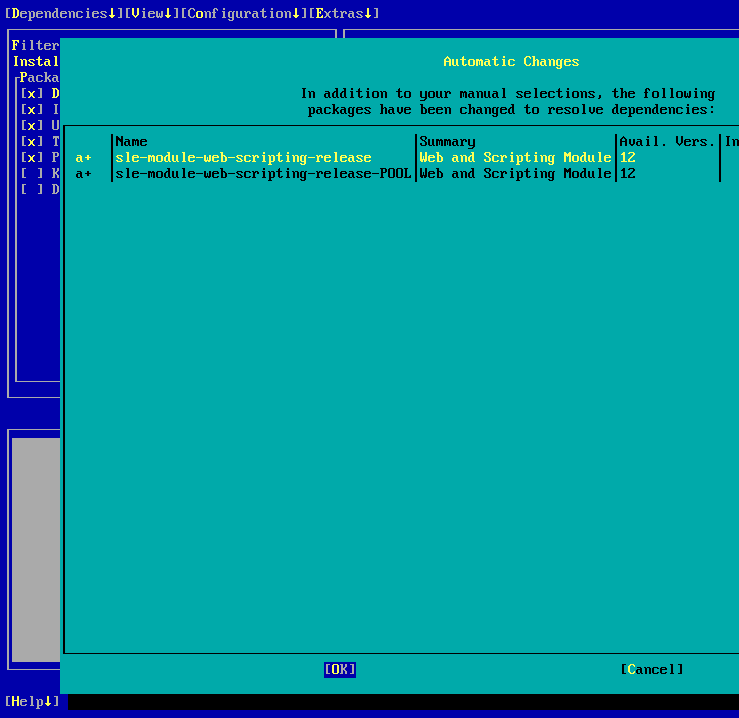
| [8] | Select [OK] and Enter. |
|
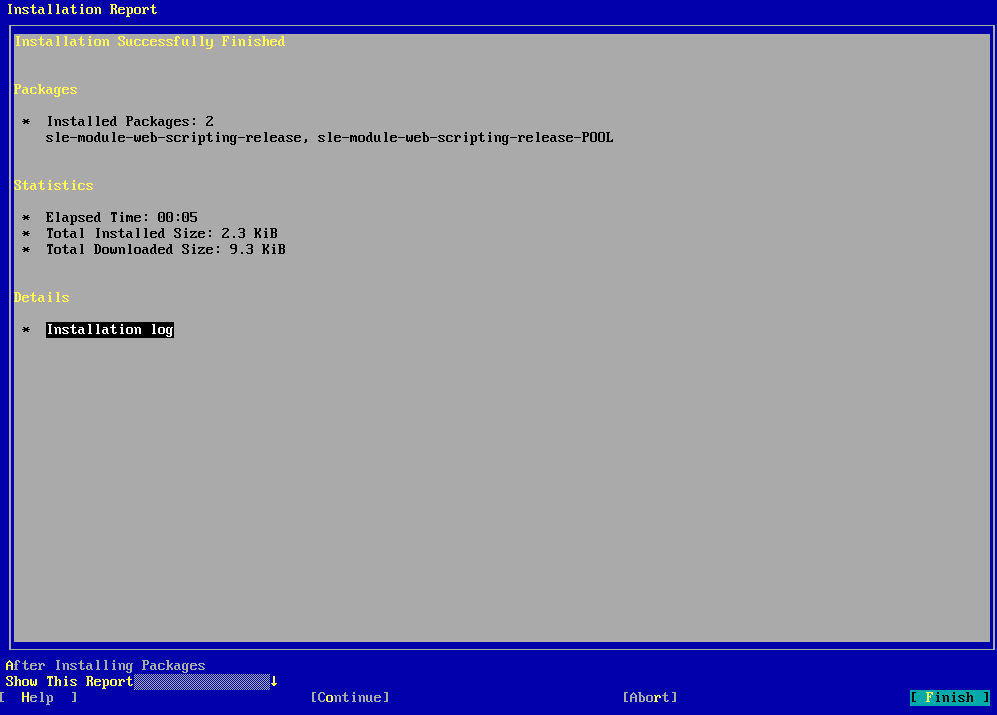
| [9] | Push [Finish] to complete. now It's possible to install packages in this repo like PHP and pthers with yast or zypper commands. |
|